Thursday, November 21, 2013

Role of operating system


The operating system was created to facilitate the users computer. In such a way that the user does not need to know the mechanism or system hardware . The operating system will be prepared to work in areas that need it in order to serve the various needs of users. Which can characterize the performance of the system as follows.
       1 . The user interface . So that the user can use the computer more convenient.
       2 . Monitoring devices and the computer.
       3 . Resource management in a computer system.

 1: Interact with the user (User Interface).
             Users who are able to communicate or control the computer through the operating system. The system then sends a message to a user in response to a user command or order with various input devices available at the same time it acts as an intermediary between the various application programs . To connect with a computer as we use them too. (Or the things in computer that receive our orders(any electronic devices)

2: Monitoring devices and the computer.
              Since the computer through the operating system may not necessarily have a deeper understanding of the work inside the computer. Therefore, the operating system must be responsible for overseeing the operation of the equipment. To make the system work is to accurately and consistently.

3:Resource management in a computer system.
Resource  is being used to continue programs such as the processor (CPU) , memory devices and display data. (Input / Output).
              Therefore, the operating system must manage these resources to achieve maximum benefit. If the operating system is known to be effective and creative resources . The programs can be made ​​more quickly .And the workload increased.

Memory Management 
The process of managing computer memory . That is, the memory book . Upon request . And restore memory when not in use .
How to manage memory has continued to develop efficient memory management increase. Especially how to use virtual memory . Which is how the area of ​​secondary memory to act in the same manner as the main memory. The amount of memory is more . Therefore, the performance of a virtual memory management , thus affecting the system performance significantly.

Process Management 
A process is a running program in such a group (batch job) program of the rationing system (time-shared user program)

Process requires different resources in each work such as processing time, memory ,files and data transmission . This process may have been when these resources are created . Or acquired during work. Resources can also be passed to other processes as well , such as the one responsible for the status of the file on the screen , it can get information from a data file.

CPU scheduling
 It is the working principle of a computer operating system that has the ability to run multiple programs at the same time. The median time from the CPU to the process that may be sent several times. Processes simultaneously. While the CPU may have fewer processes. Or may have only a single CPU . Will cause the computer to run more workloads than the work done by the CPU processor.
The basic requirement .
The purpose of the program is to run multiple applications . CPU needs to be running all the time so that the CPU is fully used . And efficiently. The system has a single CPU . At any one time, the CPU will work just the same . If multiple applications or multiple applications . The rest had to wait until . Will be managed into the CPU.

Main Memory Fetch-Cycle

CPU stands for Central Processing Unit , is the central processing unit . Also known as the processor (Processor) or chips (Chip) CPU is a small chip inside the CPU will feature vast amounts of electronic circuits . Which can not be seen with the naked eye CPU serves to calculate the number of commands entered by the user program to the CPU to read a set of instructions that interpret and perform calculations on the results , it will send the results to show the screen.

The main components of the computer.

Current computers were designed according to the principles of John Von Neumann, which will have three main components, including CPU Memory I / O.

John Von Neumann
CPU consists of two units, the main unit is a control unit (Control Unit), acting on orders from the main memory into the register and then transcode (Decoding) called stroke order. (Instructional Cycle) and then sent him to the operating tempo (Execution Cycle) and logical unit (ALU: Arithmetic and Logical Unit) to calculate and compare Then send the results stored in the Register, which serves to store and relay information command was introduced.

The basic operation of the computer.
Computer is an electronic device that can be used for many different functions, which allows for greater human comfort. To the results, it can make the computer work and processes to find answers quickly. As a result of the computer itself automatically.


CPU (Central Processing Unit).

                The computer has a central processing unit , also known as the CPU (CPU: Central Processing Unit) , which is part of the processing equipment (processing device) the main function is to processing orders received that can be done. CPU will handle the process themselves .Because they have the units for the specific work .
     Control unit (Control Unit) controls the function of every unit in the CPU and peripherals . From the moment I entered the command . The command to retrieve data from memory and then interpret. To send to the Arithmetic Logic Unit calculations . And decide whether to store it anywhere .
     Arithmetic Logic Unit (ALU: Arithmetic and Logic Unit) which acts as an agent in mathematics (arithmetic) as quotients and data logic (logical) as true or false. Comparison operators using three basic values ​​that are less than and equal to .
     Router registers (Register) is a set of instructions for spool data results and data processing occurs while the CPU is only temporary . Not a memory at all. Registry router to send and receive data at high speeds. And run under the control of the control unit, as well as other units .

Fetch Execute Cycle 
Typically, a central processing unit, or CPU. Command can process only 1 order at a time, but at very high speeds but also depending on the speed of the CPU. When CPU works on each command until finish they will call the next command to process it. CPU keep doing this again and again as a cycle so we call it Machine Cycle 

Machine Cycle involves mainly by reading and processing data from the main memory. And forwarding the work related to the next. Which can be divided into four stages as follows.

Step 1: (Fetch) this process the control unit will pull out various commands and datas from the main memory.

Step 2: Interpretation (Decode) control unit of the CPU instruction set to locate and interpret the meaning of such a statement was issued that set. What is to be done. To generate a control signal sent to the Arithmetic Logic Unit or ALU manipulate the data to get to it.

Step 3: The Executable (Execute) on the arithmetic and logic processing signals received from the control unit. Its function is to calculate and compare the order is received. And forward the results to management.

Step 4: To store the results (Store) results from the calculation of the arithmetic and logic, and data is written to the address or location of the memory. To wait for the rest 

Friday, November 1, 2013

Article Review 3 Self-driving cars from Google


Google's Driverless Car

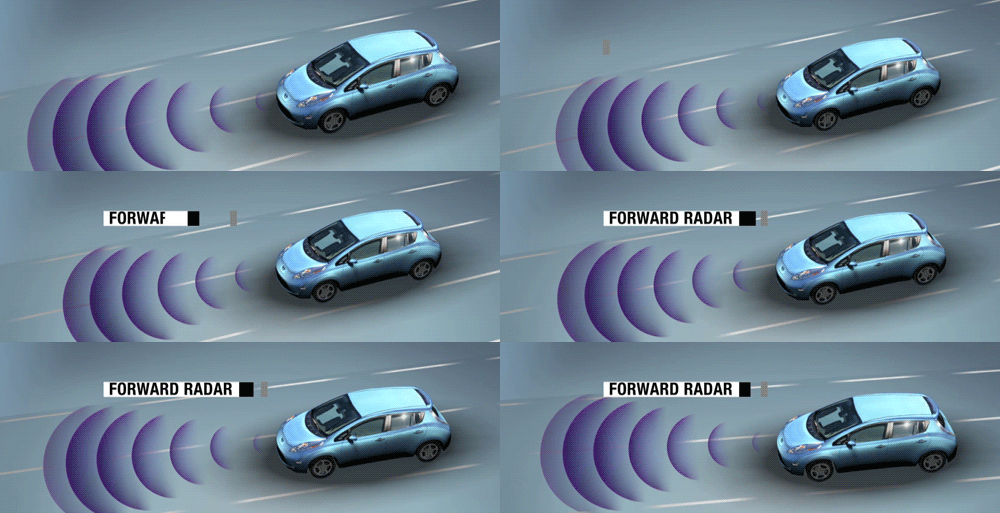
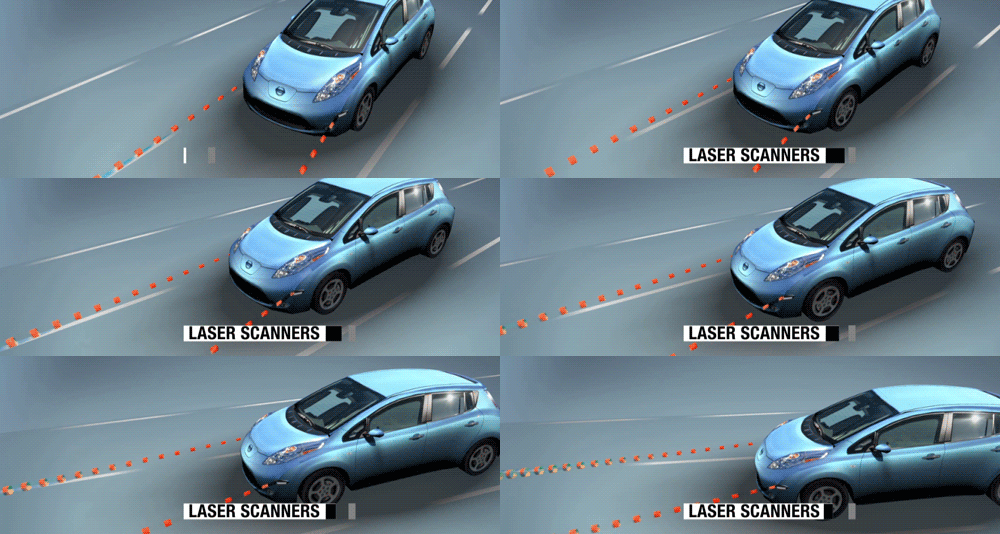
Google is developing a car that doesn't need a driver a technology for autonomous cars .From the result after these cars have been driven for a long way but never made any incident , so this mean that its much more safer even than the car with professional driver .The car work together with Google street view Google and many intelligence technologies with many censors around help controlling the car .Expected  it will be on the car market in 2019 because in that time censor's technology and driverless connection system would work perfectly and in each car may be able to communicate with other cars to prevent an accident.


The Major Concept:


  • Google Inc. has been working on self-driving car to solve problem accident in the street that cause by human.
  • These driverless cars are a lot safer and smoother driving than human.
Advantage 
  • The article pick up the evidence shows that these self'driving cars are safe . In August 2011 a human controlled Google driverless car was involved in a crash near Google headquarters in mountain. A previous incident a Google driverless car being rear-ended while stop at the traffic light. Both incidents causes by human. 


Question
  • Are there any other Inc. that is working on an autonomous car too ? 
  • If its really that good so it must be so expensive ?


Citation 
"Google Driverless Car." Wikipedia. Wikimedia Foundation, 31 Oct. 2013. Web. 01 Nov. 2013.
"Self-Driving Car Test: Steve Mahan - Google Jobs." Self-Driving Car Test: Steve Mahan - Google Jobs. N.p., n.d. Web. 01 Nov. 2013.
Worstall, Tim. "Google To Build Its Own Driverless Cars." Forbes. Forbes Magazine, 24 Aug. 2013. Web. 01 Nov. 2013.
SAP​Voice. "Google Driverless Car: Why You Will Probably Never Own One." Forbes. Forbes Magazine, 23 Oct. 2013. Web. 01 Nov. 2013.
Worstall, Tim. "Google's Driverless Car Problem Isn't Technology, It's Liability And Regulation." Forbes. Forbes Magazine, 21 Aug. 2013. Web. 01 Nov. 2013.
"Google: Self-driving Cars Safer than Professional Drivers." - Cars. N.p., n.d. Web. 01 Nov. 2013.